Digital Menu
Your menu. Always current. Always accessible.
A digital menu accessible by QR code, built for cafés, snack bars and restaurants. Customers scan, open the menu, switch languages and browse products without installing anything.
- Scan-to-open QR menu
- FR / AR / EN product view
- Prices, categories, photos and descriptions
- Updated without reprinting
How it works
Your customer scans. Your menu opens.
Nothing to install. The customer opens the menu directly in their browser and lands on the right language, right category and right product with no friction.
- 1Scan
- 2Open
- 3Choose language
- 4Browse category
- 5View product
Demo
A real menu, seen the way the customer sees it.
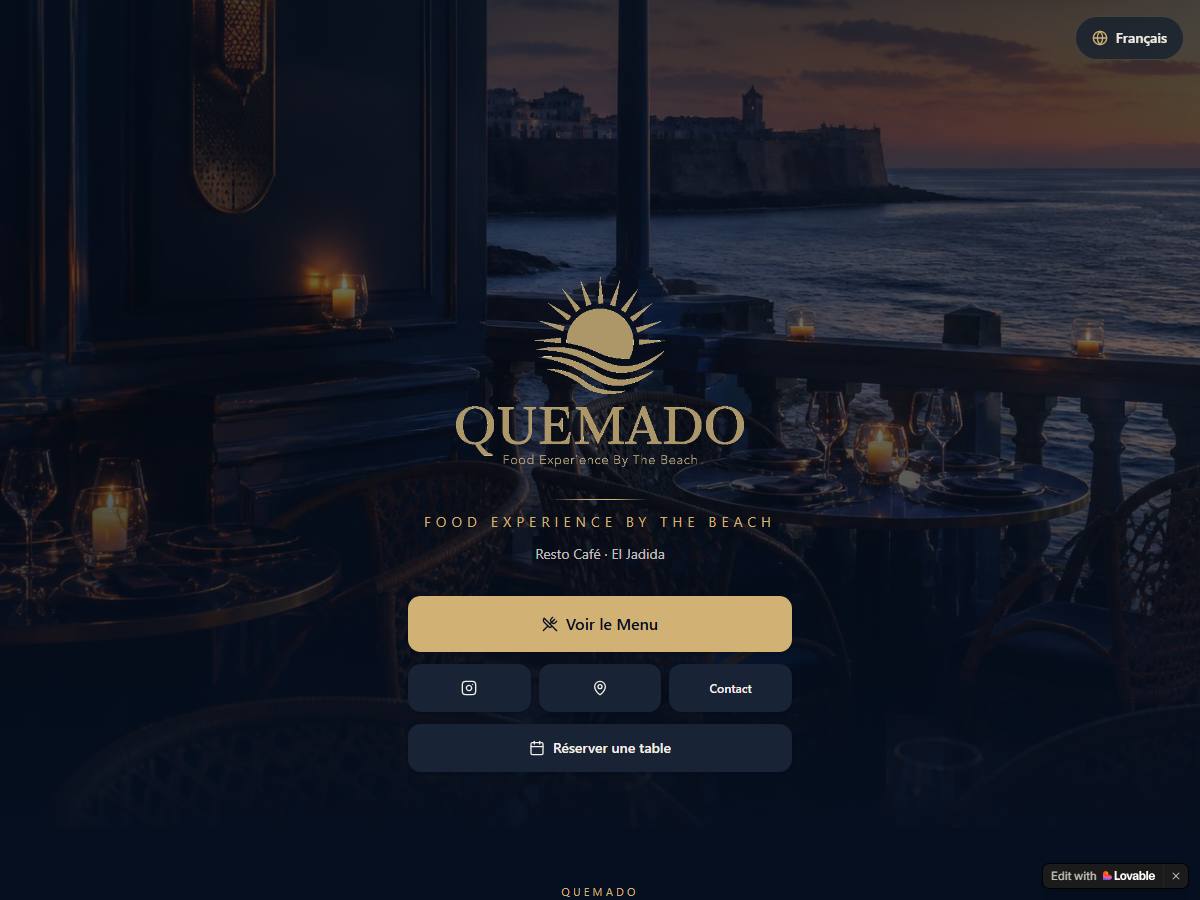
FR / AR / EN
The same menu, in each customer's language.
One menu stays readable for French-speaking, Arabic-speaking and international customers, without multiplying paper versions.
Menu digital · accès par QR code
Menu digital · accès par QR code
Menu digital · accès par QR code
Management
A price changes? Change it once.
Your menu can be updated without reprinting, without remaking the physical support, and without slowing down service.
- —Products, prices, categories, descriptions, photos
- —A single source of truth for the customer
- —The menu stays clean, readable and up to date
Dashboard
Client
Before / After
A paper menu cannot keep up.
Before
- • A static paper menu
- • Reprinting at every change
- • Only one language visible
- • A menu that quickly becomes outdated
After
- • A QR code to open the menu
- • Content updated without reprinting
- • The language the customer chooses
- • A clean, readable, current menu
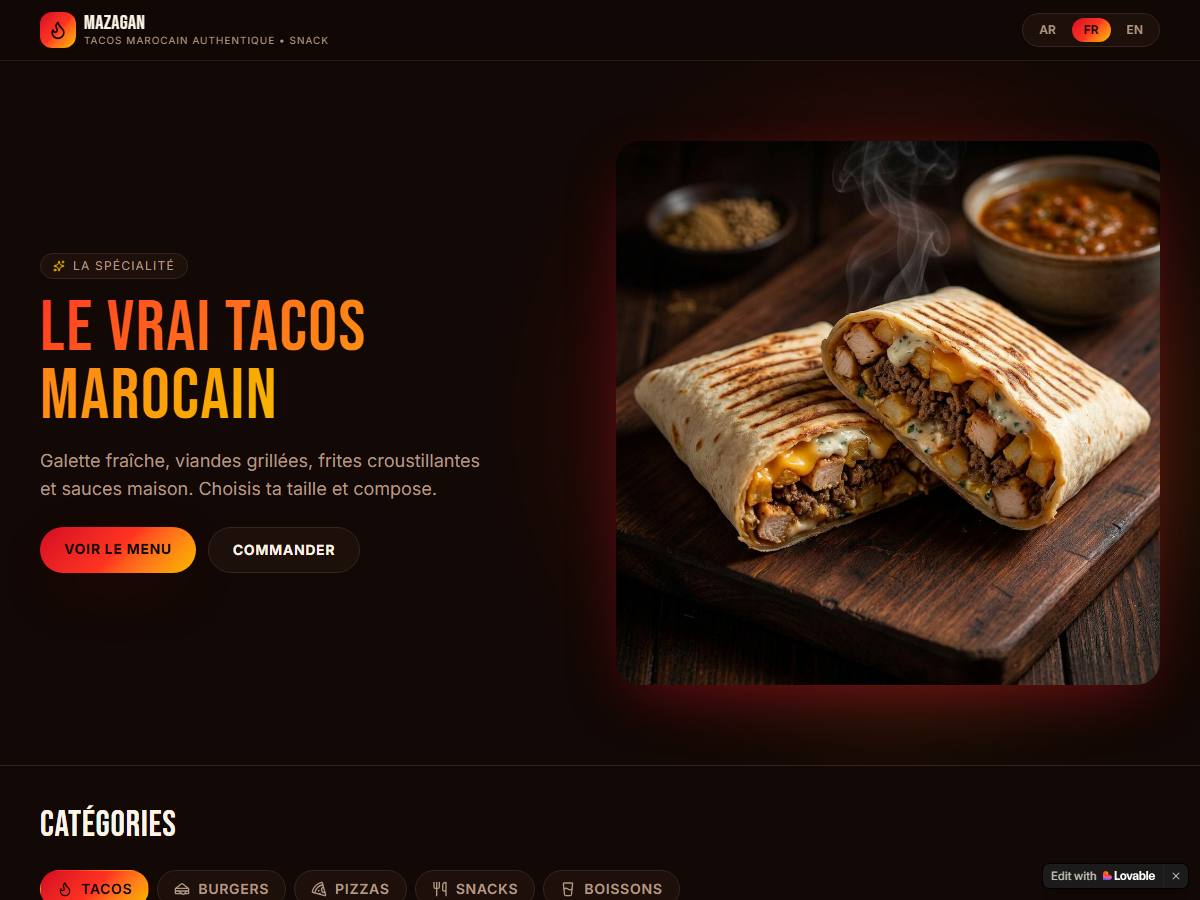
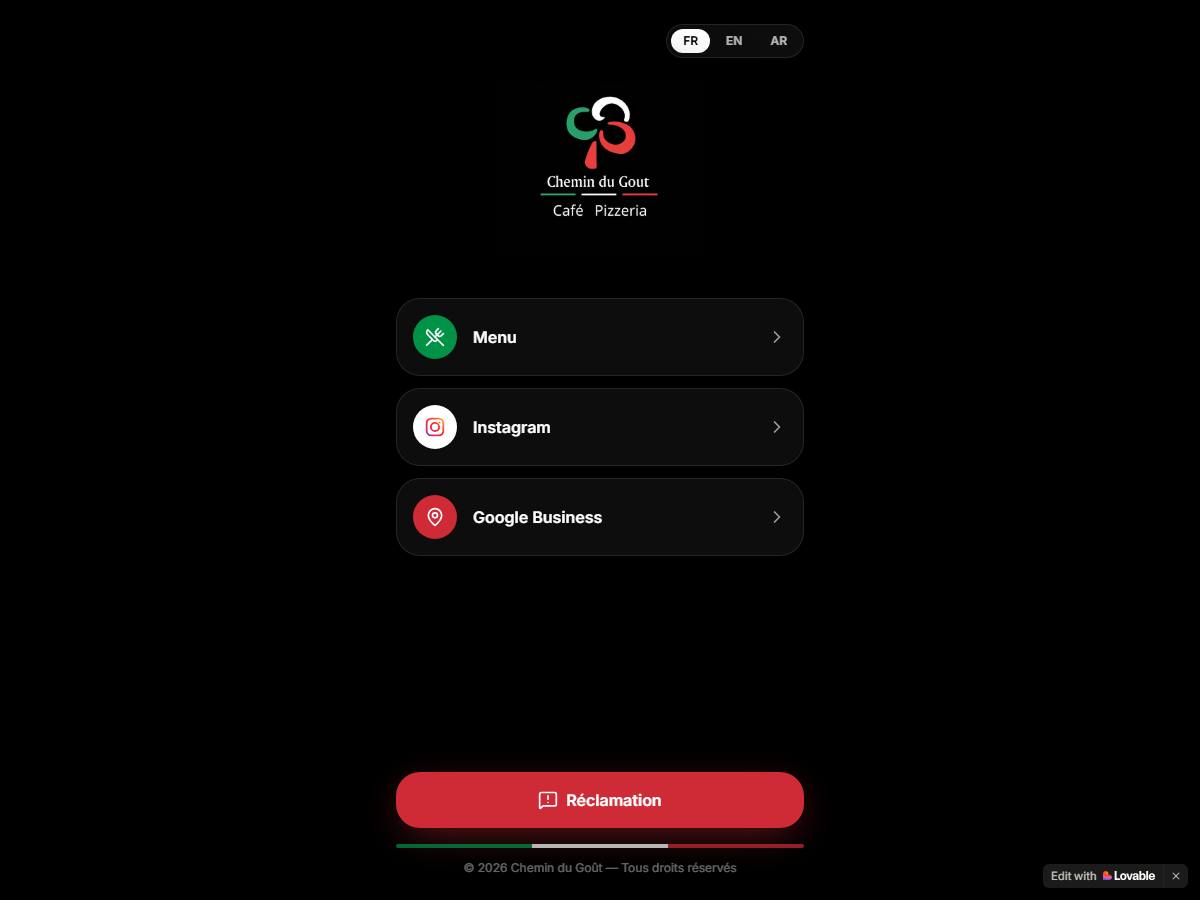
See it for yourself.
Real demos and real product screens — no fake proof, no fake claims.
Day to day
What changes in practice.
A price changes?
Update it once and keep the menu current without reprinting.
A foreign customer arrives?
They switch to their language and read the same menu in a familiar format.
A dish runs out?
Remove it in seconds and avoid showing outdated information.
Your menu evolves?
It stays clean, readable and aligned with what's actually served today.
Start with the Digital Menu alone or add the dashboard to update products, prices and categories yourself. Pricing depends on the options you choose and is confirmed in a quote.
Frequently asked questions
The questions we hear most often.
- No. A digital menu can complement a paper one — many establishments keep both, depending on their customers.
- No. The menu opens directly in the phone's browser after scanning the QR code.
- No. Scanning a QR code is a simple, familiar gesture for most customers.
- Yes, with the Menu Dashboard. Without it, the update goes through DYAFNA.
- Yes. The Digital Menu is a complete solution on its own, regardless of your establishment's size.
- Because it stays simple, readable and rooted in real restaurant needs instead of making the business carry extra tools it doesn't need.
What is available
The digital menu and its options.
The digital menu is available today. The options below build on it; their status is shown as it stands.
- Available
Digital menu
A responsive menu, accessible by QR code, always up to date.
- Available depending on configuration
Menu Dashboard
Edit your own products, prices, photos and availability.
- Available depending on configuration
Multilingual menu
The menu displays in each language you choose.
- Available depending on configuration
Table QR codes
A dedicated QR code on every table to open the menu.
What next
The menu may be only part of the answer.
If you also want to be found more easily online, or to take stock of your whole establishment, start with a free first conversation.
Digital menu
You just want to start with your menu?
No need to digitalize everything at once. Start with the menu, then add what becomes useful.